
Fractal Generator
Note this game was not designed for the browser but works mostly pretty well - you just won't be able to change resolution or save images!
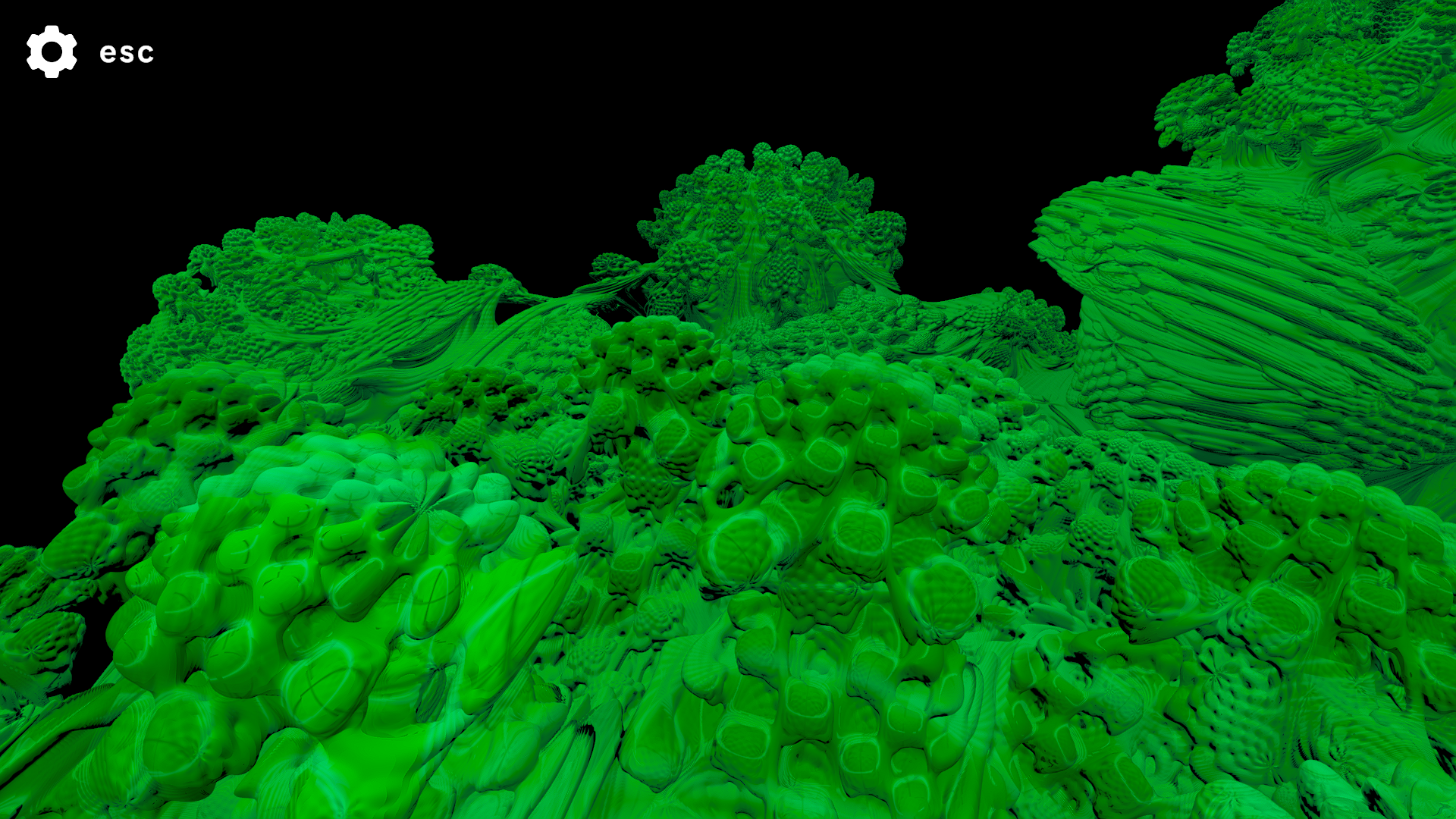
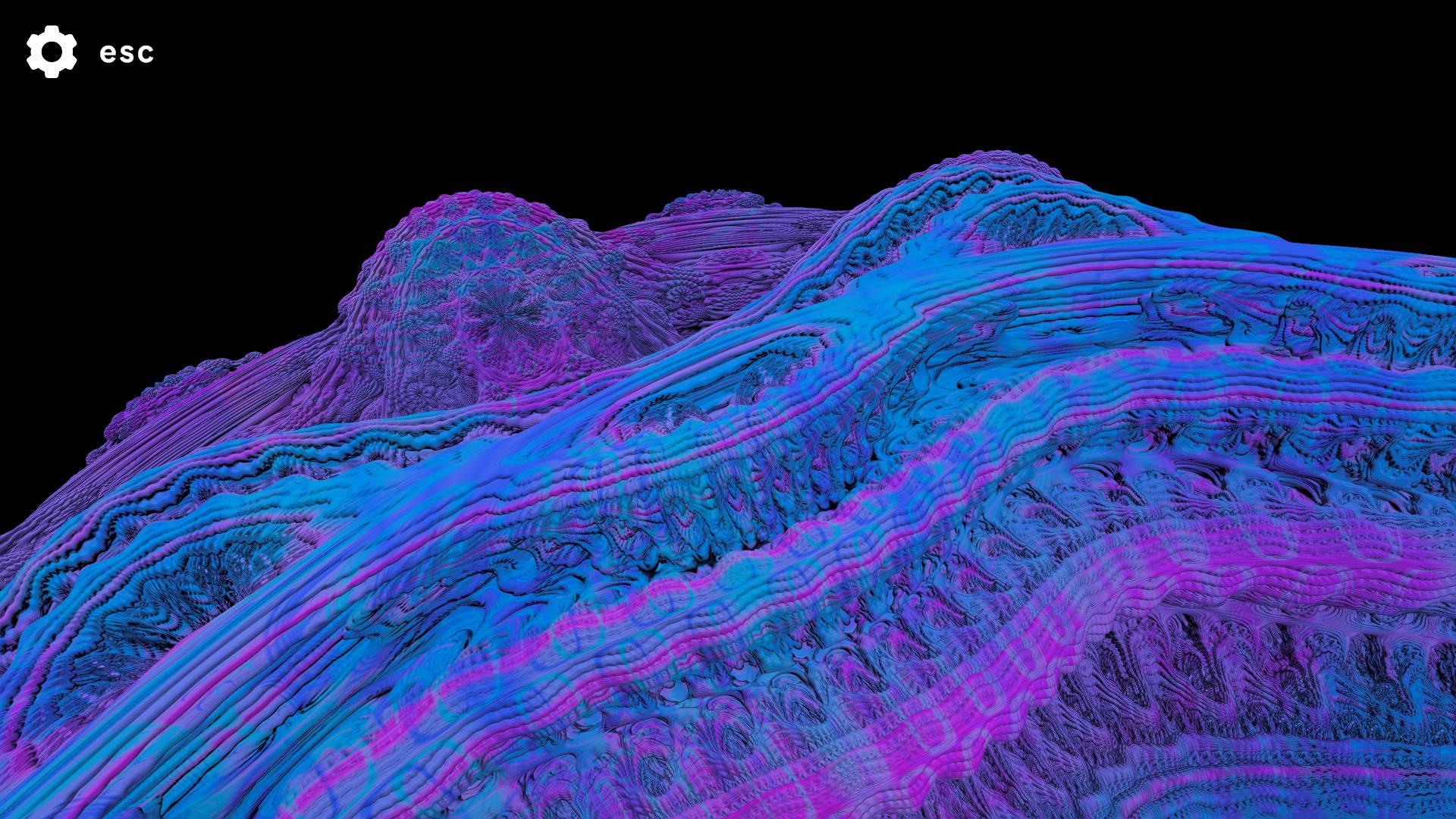
This program allows for the viewing of different 2D and 3D fractals.
Use the main menu to either choose 2D or 3D. If on the downloaded version, you can change your resolution to make the program run faster or at better quality.
By accessing the settings pane (esc), you can adjust parameters of the fractals.
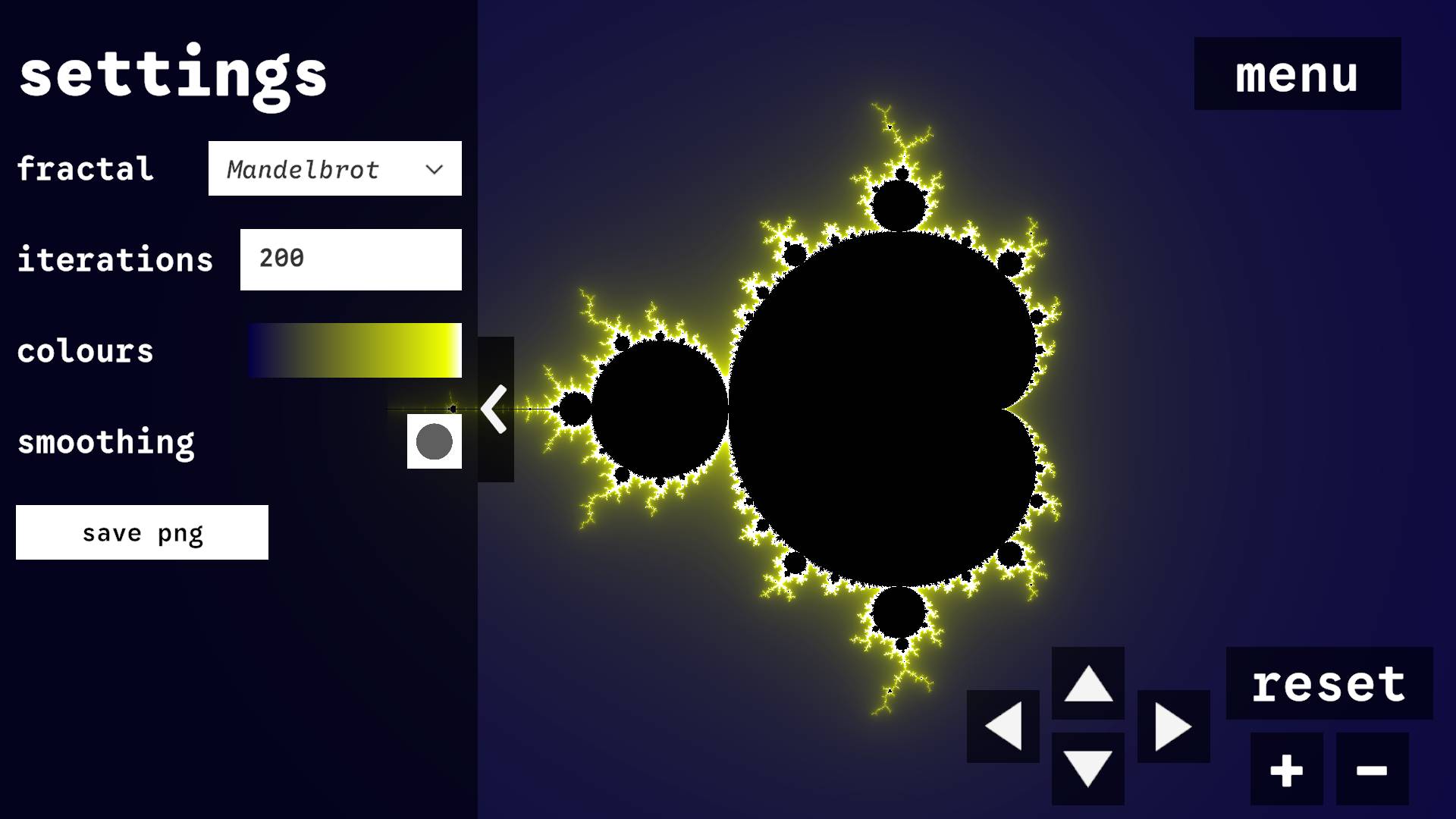
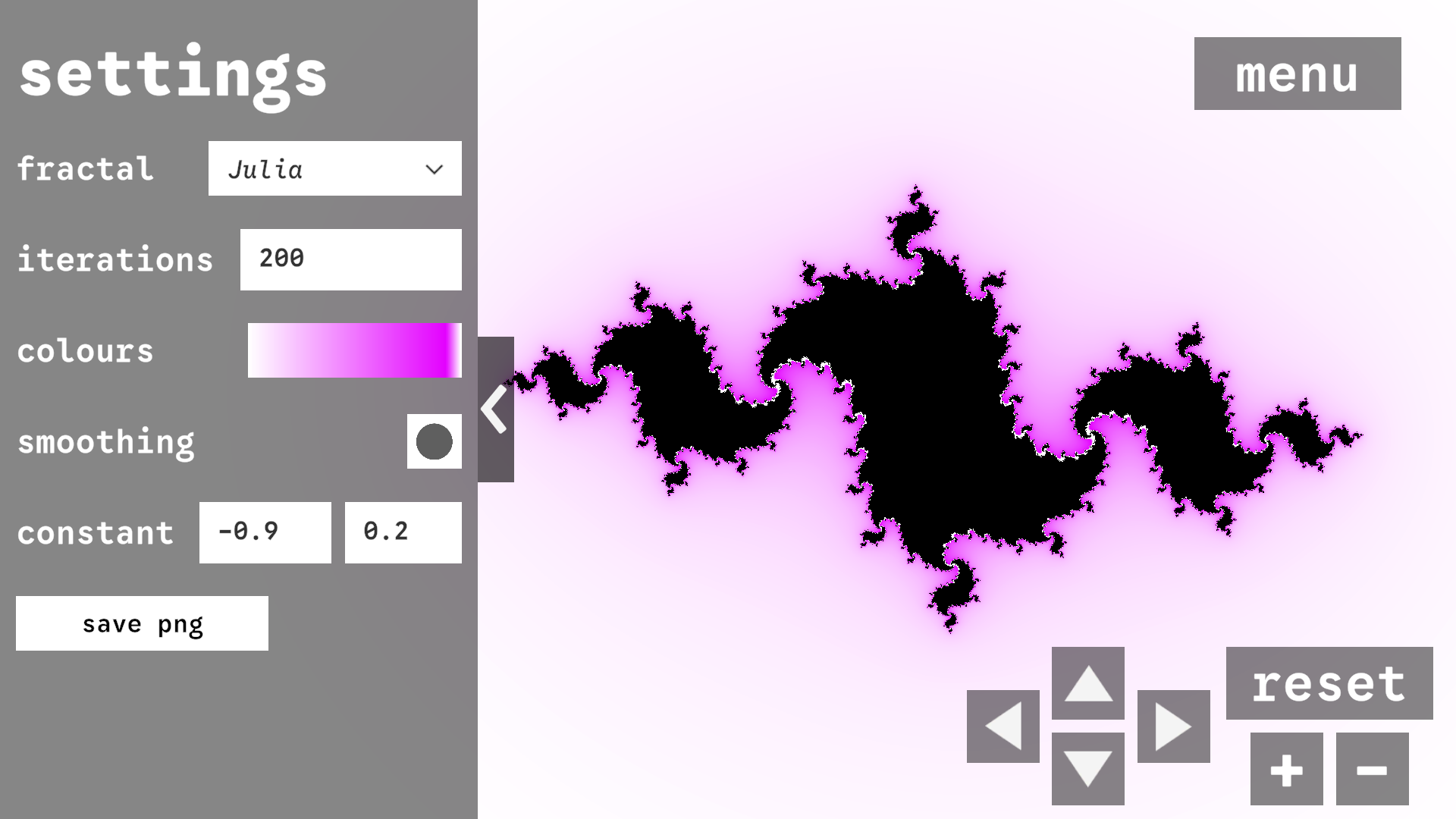
2D SETTINGS
Fractal - choose whether to render the Mandelbrot or Julia set.
Iterations - How many times the appropriate formula is applied to each coordinate.
Colours - The gradient that is used to colour the fractal.
Smoothing - choose whether smoothing is applied or if colours are assigned based on how many iterations it took to escape.
Constant (Julia only) - choose the complex constant used in the Julia set formula, altering the shape of the fractal.
Save image (F9) - save a png image of the current view of the fractal to the SaveImages folder.
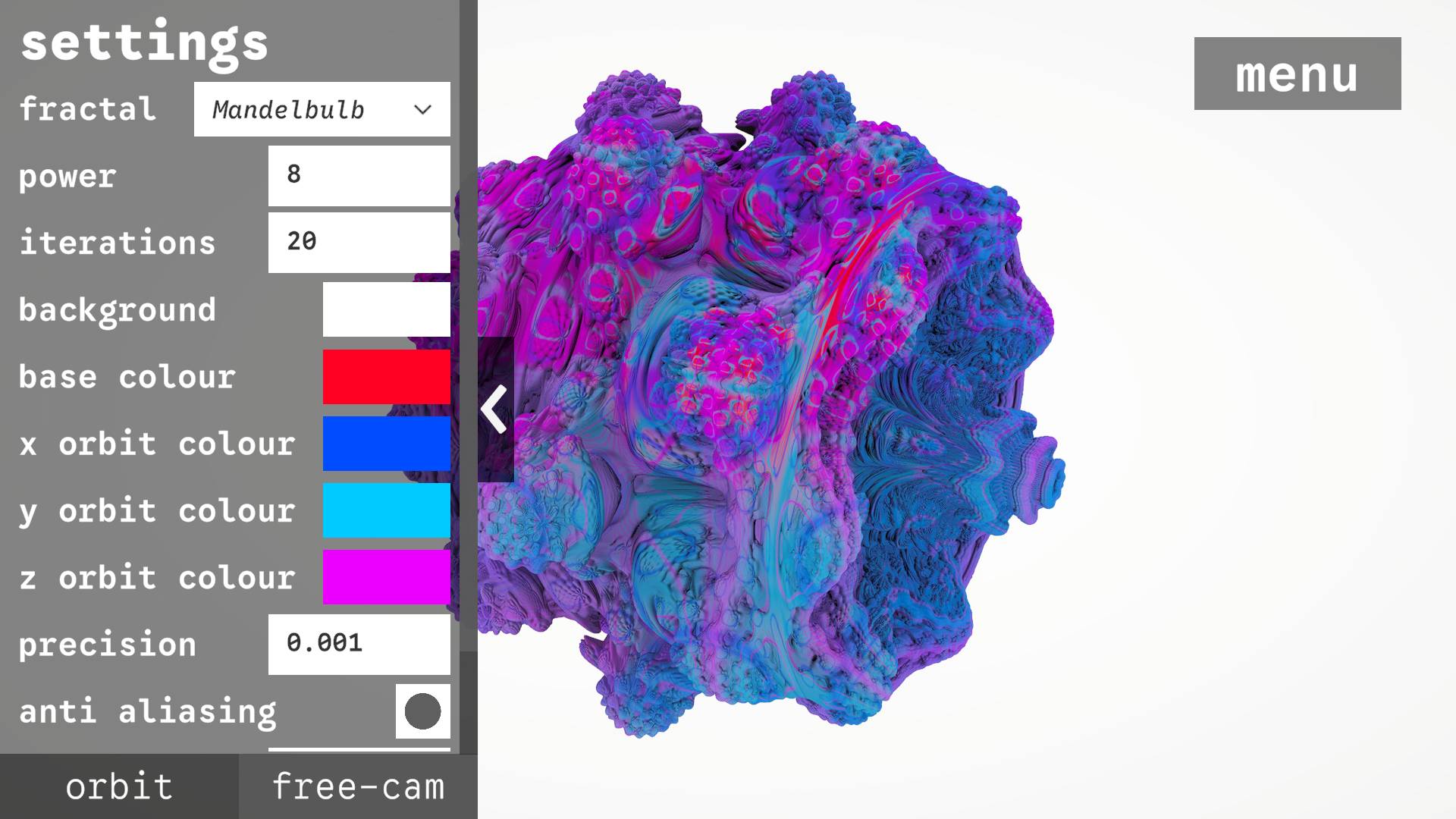
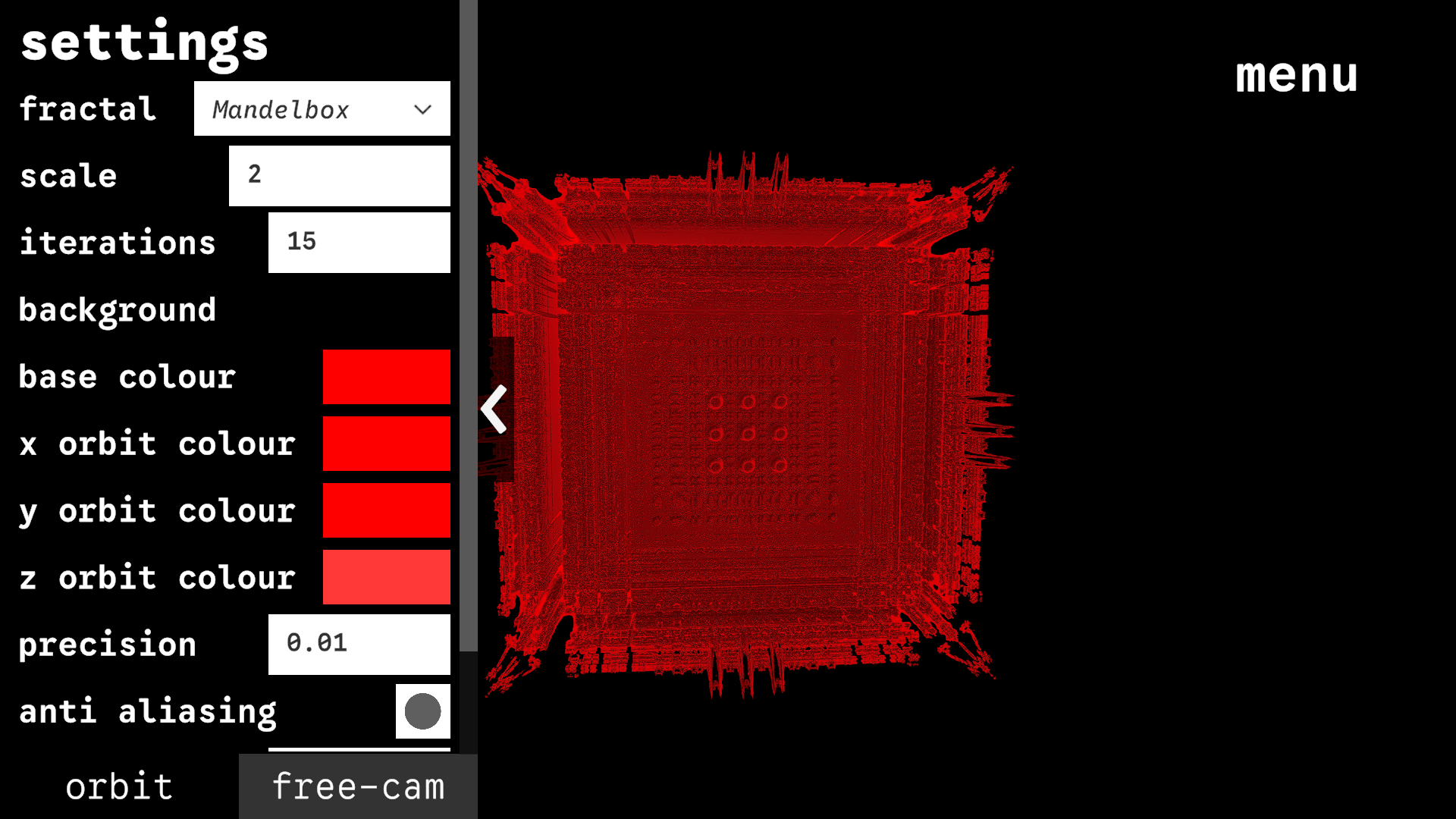
3D SETTINGS
Orbit - scroll to zoom in/out, hold left click to rotate camera.
Free cam - look around with mouse and move with WASD/arrows. Move up and down with space and left control. Move faster by holding shift and move slower by holding right mouse button.
Fractal - Choose between the Mandelbulb and Mandelbox.
Power (Mandelbrot only) - choose the 'power' that numbers are raised to in the Mandelbrot formula.
Scale (Mandelbox only) - Change the 'scale' factor used in calculating the Mandelbox.
Iterations - How many times the appropriate formula is applied to each coordinate.
Background Colour - The background colour.
Base and orbit trap colours - The fractal is coloured using a technique known as orbit trapping, where the minimum distances to the X, Y, and Z planes are tracked as the formula is iteratively applied. These distances are then used to decide the colour at each point.
Precision - To what precision the fractal is rendered at. Lower numbers are more precise and show more detail.
Anti-aliasing - Applies smoothing that makes the fractals look less pixelated. Looks better for still frames, but causes blur when moving the camera.
Max steps - How many steps rays should march from the camera before declaring a surface.
Save image (F9) - save a png image of the current view of the fractal to the SaveImages folder. Note: anti aliasing applied is different to what you see, so it will not look as smooth.
Note that if you change your window dimensions, the 2D fractal will get morphed - simply go back to the menu and back to the 2D scene to reset to the correct dimensions.
Download
Install instructions
- Download zip file
- Extract zip file
- Open .exe file
Comments
Log in with itch.io to leave a comment.
very nicely done, thanks for sharing, any plans for upgrading or expanding this? it's really great!
peak
yeah, it works ok. Just when I selected more precision in 3D mode, it got really grainy which I don't think would happen in a full fledged fractal viewer. Like the detail should increase but I don't think it should turn into a mess of pixels
If you turn on anti aliasing it does help a bit with this - on the web build I left this off by default to improve performance. Unfortunately, the anti-aliasing is just the pre made Unity camera one though so is not perfect.